Different invitation variants for different groups of guests
An invitation can have several variants — for example “family” and “friends”. Every block of the site is marked with the variants it appears in, and each guest sees only their own version: their programme for the day, their addresses, their questions in the RSVP form. It is one site with one guest list, not several separate invitations.
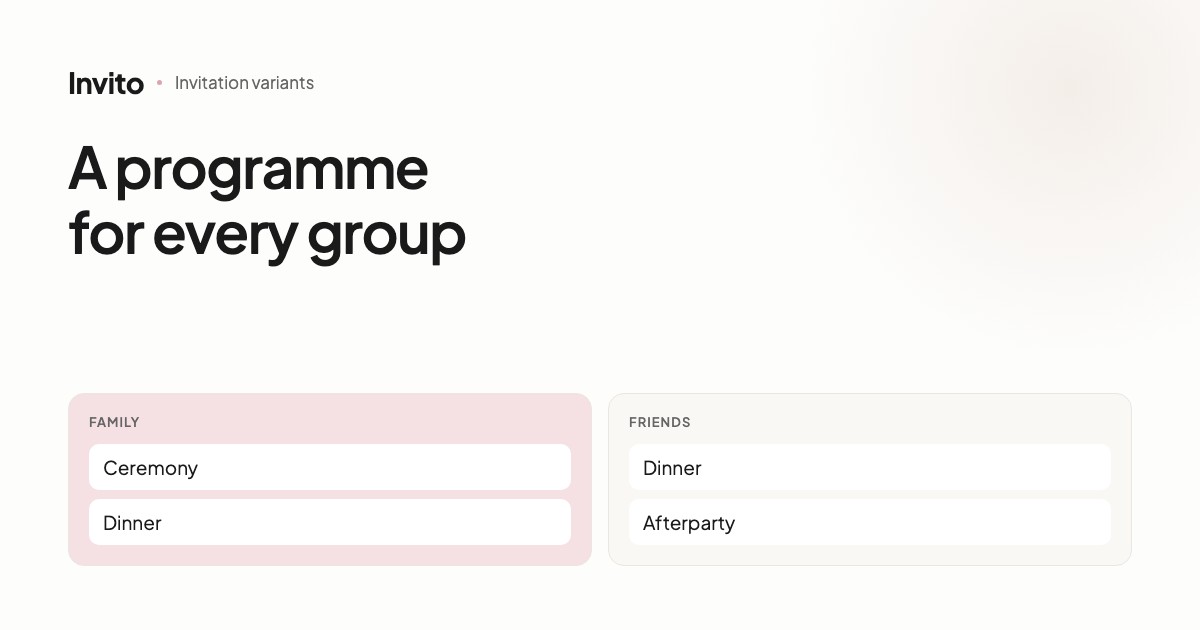
A typical situation: the church ceremony is for family only, the dinner is for everyone, and the afterparty is for friends.
Writing that as a single text is hard. “Ceremony at 2 pm (close family only), dinner at 5 pm, afterparty at 11 pm (friends)” — each guest has to work out for themselves which parts apply to them. Some won't, and they'll turn up at the wrong place or the wrong time.
Invitation variants solve it differently: every guest sees only their own part.
How it works
You define variants — for example family and friends. Then each block of the site can be marked with the variants it appears in.
- Ceremony block →
familyonly - Dinner block → both
- Afterparty block →
friendsonly
A guest in the friends variant opens the invitation and sees the dinner and the afterparty. The ceremony isn't mentioned at all — not “closed”, not “unavailable”, simply not there.
One site, not several
This is the key difference from “let's make two separate invitations”.
Shared information lives in one place. The venue changed? You tell us once, and both variants are updated. You never end up with the new address on the family version and the old one on the friends' version.
There is one guest list, too. RSVP statistics are shared, with a breakdown by variant.
| Several separate sites | Variants in one site | |
|---|---|---|
| Changing shared information | in each site separately | once |
| Guest list | one per site | one |
| Statistics | combined by hand | shared |
| Risk of getting out of sync | high | none |
Different questions in the RSVP form
The most useful scenario isn't hiding a block — it's not asking unnecessary questions.
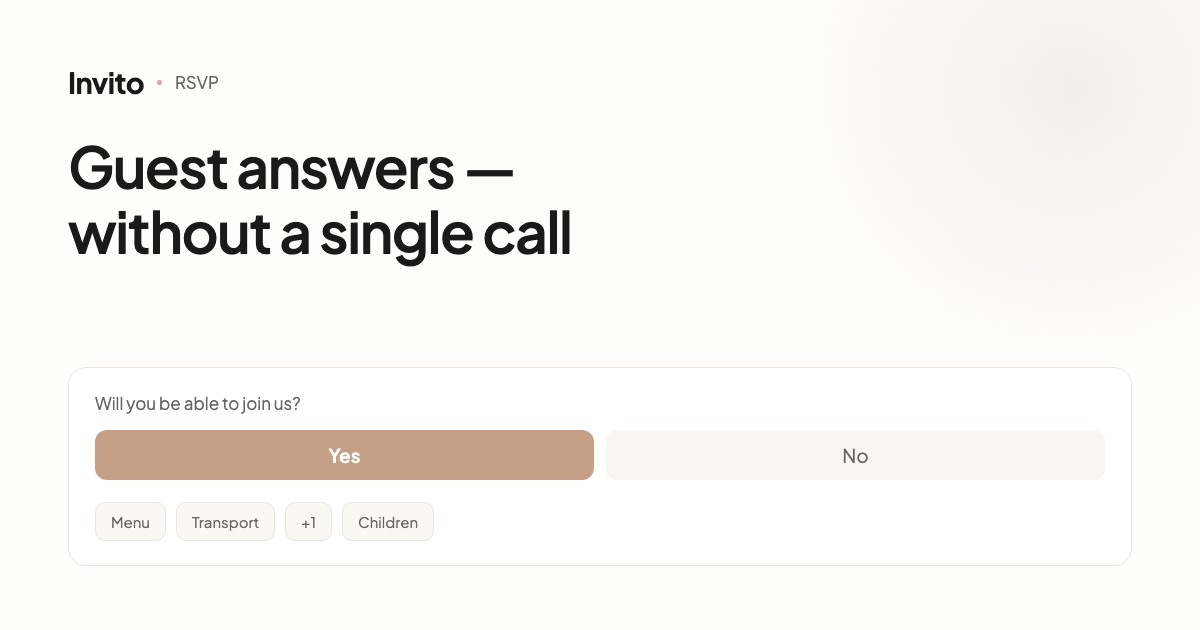
The RSVP form works on the same principle as the rest of the site: every question can be tied to a variant.
- Transport — only for guests travelling from another city. Your neighbour simply never sees it.
- Children — only for families. A couple without kids doesn't see it at all.
- Partner — only for guests you are inviting with a plus-one.
- Menu — ask everyone, or only those coming to the dinner.
The payoff is direct: short forms get filled in, long ones don't. A guest who sees two questions instead of eight answers right away.
Typical scenarios
Intimate ceremony and a big party. The most common case. Family sees the full programme, friends only the evening part.
Guests from out of town. A separate variant with a block about the hotel, transport and departure times. Local guests don't need it, and it would only add noise.
Colleagues. It often makes sense to show them a more formal version of the text and leave out family details.
Children. A variant for families with children: a block about the kids' area, an entertainer, a children's menu.
What variants don't do
It's worth saying this too. Variants are not a privacy mechanism: if a guest forwards their link, the recipient sees the same variant. They are a tool for relevance, not protection.
And one more thing: too many variants make the preparation itself harder. Two or three are manageable. With five you'll start losing track of who sees what, and each one has to be checked separately.
How to order it
Tell us which groups of guests you have and how their invitations should differ. We set up the variants — all you need to do is say who belongs to which group.
Frequently asked questions
- How is a variant different from a separate site?
- Variants live in one site, with one guest list and one set of RSVP statistics. Changes to shared information — dates, venues, photos — apply to every variant at once, so nothing gets out of sync.
- How many variants can we have?
- There is no technical limit, but in practice two or three are enough: usually “family” and “friends”, sometimes separate “colleagues” or “guests from abroad”.
- Can the RSVP form show different questions?
- Yes, and it's one of the most useful scenarios. The transport question can be shown only to guests travelling from another city, and the question about children only to families.
- Will a guest see that other variants exist?
- No. The guest opens their link and sees a complete invitation. No switches, no mention of other versions.
- Can variants be combined with different languages?
- Yes, they are independent settings. A guest can be in the “friends” variant and get the English version at the same time.
Want an invitation like this?
Pick a design — we do the rest. Send us your photos and wishes, and we prepare the site, the monogram and the language versions.