Destination wedding invitations for guests from different countries
Of the 2026 weddings Invito made invitations for and knows the venue of (most of them for Ukrainian couples), 29% took place outside the couple's home country, across 21 time zones. A wedding abroad needs three things: the countdown and the calendar event must run on the venue's local time, guests from different countries must read the invitation in their own language, and the address must open in a navigation app with one tap. We set the time zone automatically from the Google Maps link, the language from each guest's personal link, and for guests who need a different programme or different questions we make a separate variant of the same invitation.
A few years ago a wedding abroad was the exception. Today it is an ordinary scenario: the couple lives in Warsaw or Berlin, family flies in from home, and some friends come from a third country.
We counted it on our own orders, most of which come from Ukrainian couples. Of the 2026 weddings we made invitations for and know the venue of, 99 out of 341 (29%) took place outside the couple's home country. A year earlier it was 19%. The most common destinations are Poland, Germany, the US, Czechia and Bulgaria, and altogether the weddings spanned 21 time zones.
These weddings have three problems that a wedding in your home town does not.
1. Time: the countdown and calendar must follow the local clock
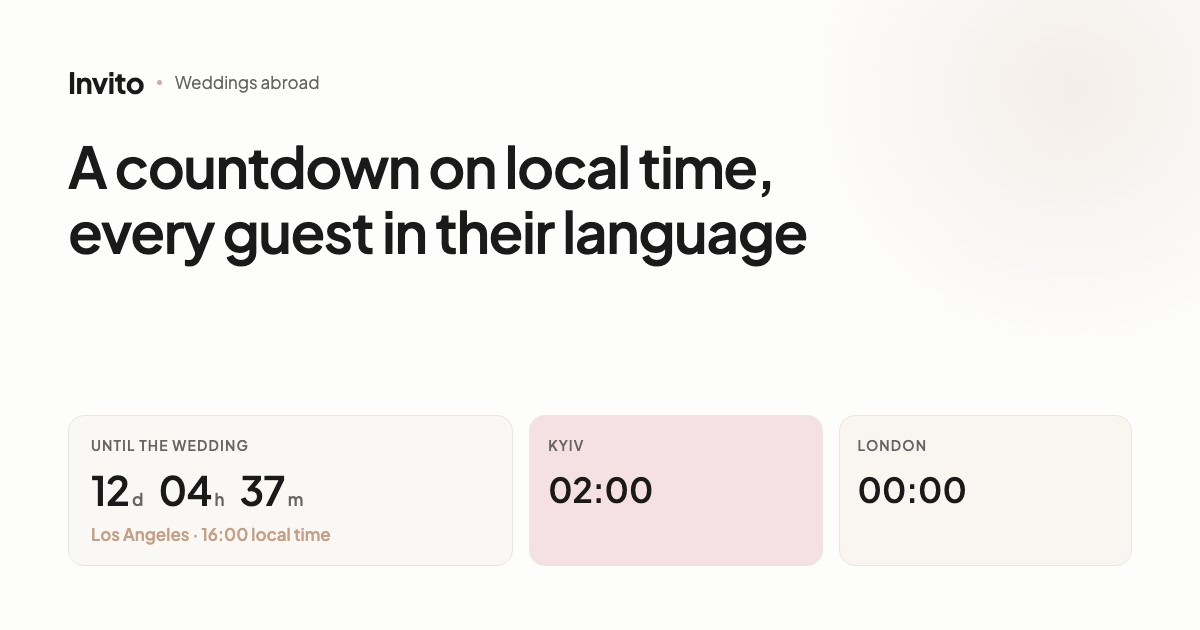
The countdown on an invitation counts down to one specific moment, and that moment depends on the time zone. A wedding at 16:00 in Los Angeles is 02:00 the next day in Kyiv. A countdown running on Kyiv time hits zero ten hours early.
So our countdown runs on the time zone of the venue. You do not need to set anything: when you send the address with a Google Maps link, we work out the time zone from its coordinates and store it in the invitation. If it was not filled in while the invitation was being made, the system fills it in at publishing.
The «Add to calendar» button uses the same time zone. A guest who answered «Yes» adds the event to their calendar: on an iPhone the system window opens, on Android Google Calendar. Inside the Telegram and Instagram in-app browsers the button is hidden, because the calendar does not open there; the guest just opens the invitation in the normal browser. The event is saved with the right time zone, so a guest in Kyiv sees it at 02:00 and a guest in California at 16:00.
2. Language: every guest reads their own
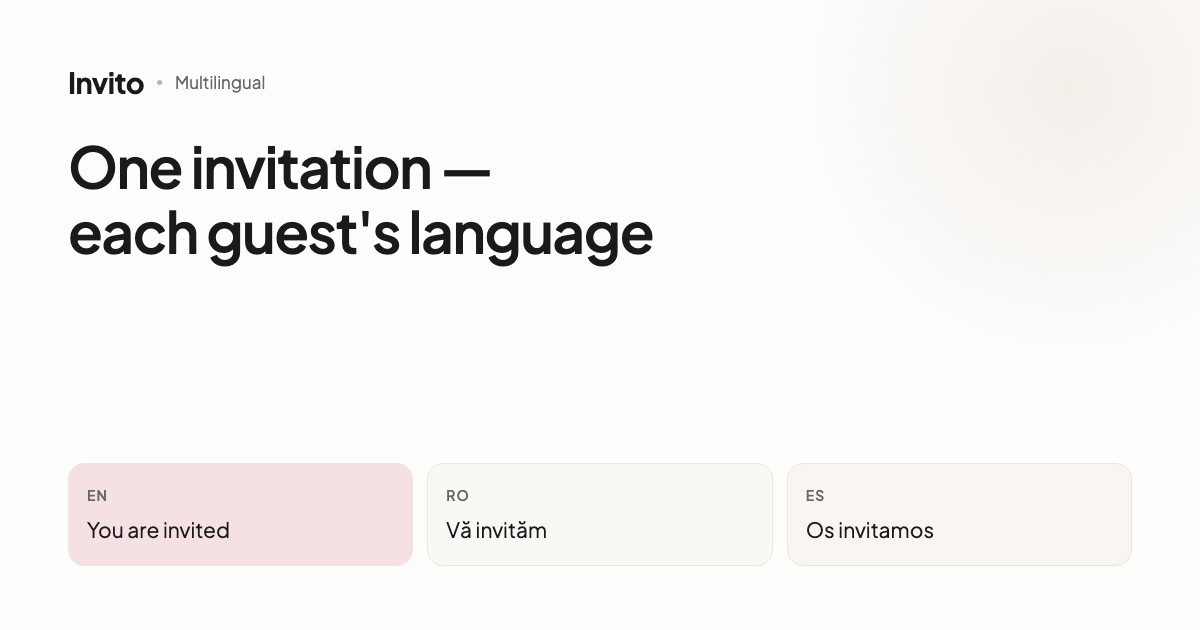
A wedding abroad almost always has a mixed crowd, and our data shows it clearly: 60% of weddings abroad have invitations in two or more languages, compared with 14% of weddings at home. The most common additions are English, Russian, Bulgarian and German.
The language version is tied to the guest's link. You send grandma a link in your language and the groom's colleagues a German one. Each opens it and sees their language straight away, with nothing to switch. It is one site, so when the time or the address changes, every language version updates together.
The translation is done by AI given the wedding context, and a manager reviews it before it is published.
3. Different guests, different information
A guest flying in needs details about the airport transfer and accommodation. A guest who lives in the next town does not. Show everything to everyone and the invitation becomes long and confusing.
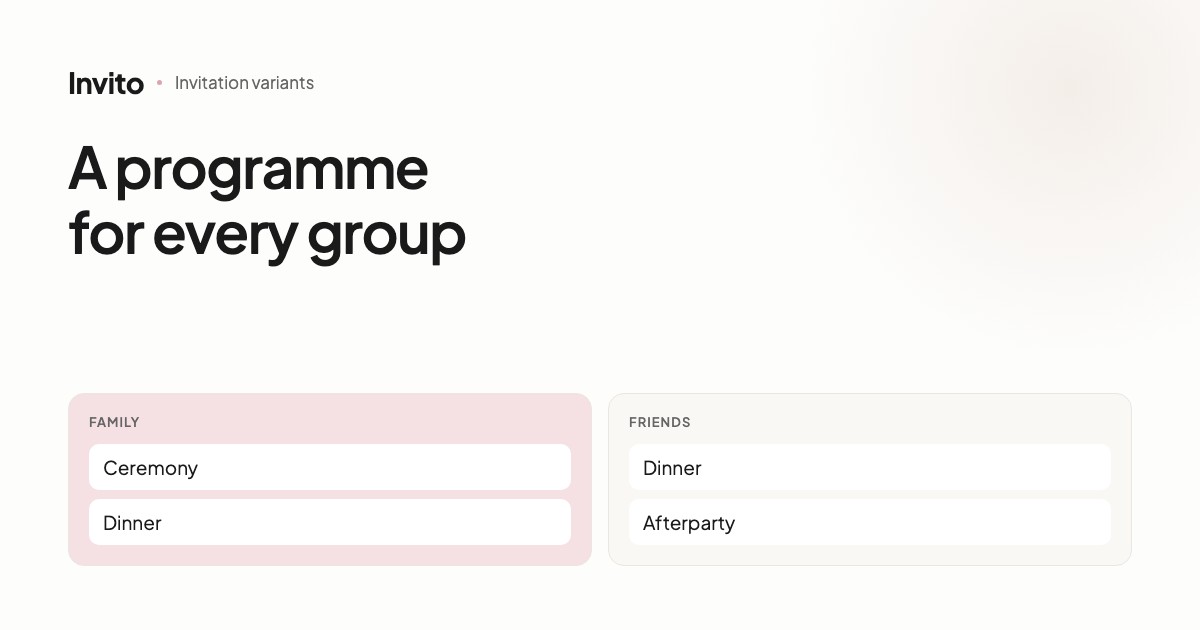
That is what invitation variants are for. It is one invitation in which certain blocks and questions are seen only by a particular group of guests:
- Guests travelling from afar: a block about the journey, hotel and transfer, and a question in the RSVP form: «Do you need an airport transfer?».
- Local guests: just the day's programme and the address.
- Family: a separate block about the church ceremony, if it is for close family only.
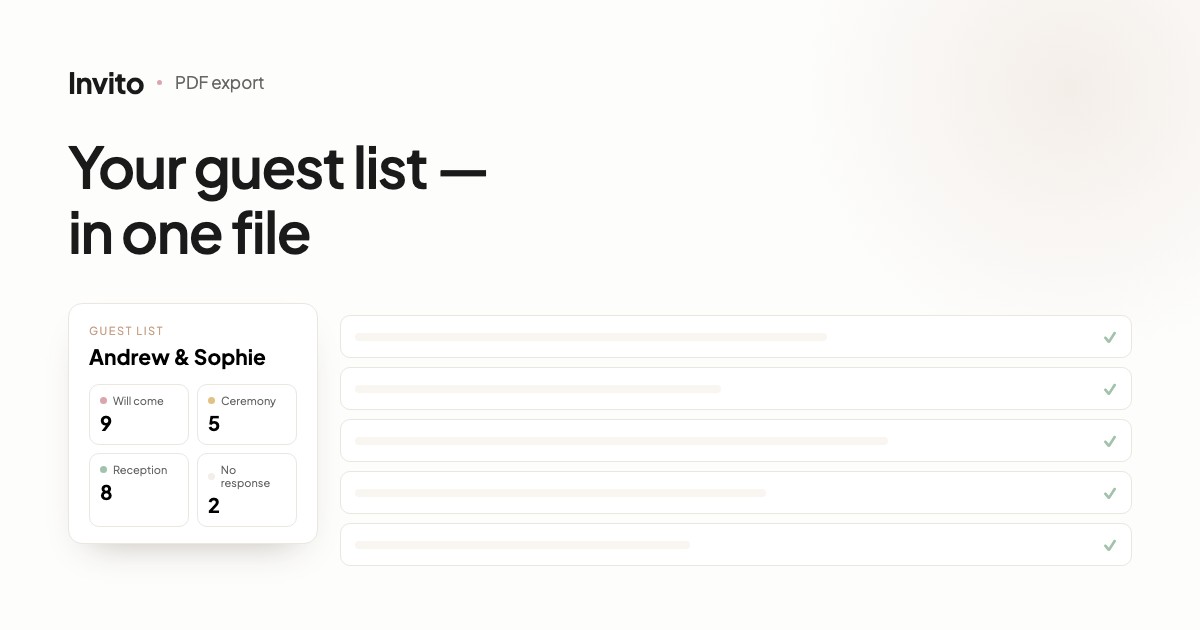
The guest list and the RSVP statistics are shared across all variants. You see how many people are coming and who needs a transfer in one place.
What to send us for a wedding abroad
- The address with a Google Maps link for every venue — it sets both the route and the time zone.
- The languages your guests speak, and who gets which.
- The guest groups that need different information: for example, «travelling from home» and «local».
- The day's programme in local time, the way guests on site will see it.
We do the rest. The invitation opens from any country as an ordinary link: guests need no app and no sign-up.
Frequently asked questions
- Does the countdown show the time back home or local time?
- Local time. The countdown runs to the start of the celebration in the time zone of the venue. We set the time zone automatically from the Google Maps link you send with the address, so for a wedding in Los Angeles the countdown does not hit zero ten hours early.
- How do guests add the wedding to their calendar?
- With the «Add to calendar» button after they answer «Yes», in the phone's normal browser (it is hidden inside Telegram and Instagram). On an iPhone the system calendar window opens, on Android Google Calendar opens with the event filled in. The event is saved in the wedding's time zone, so it shows up at the right hour in each guest's own calendar.
- Can the invitation be in two languages?
- Yes. One invitation can have several language versions, and the language is set by each guest's personal link: family opens the version in your language, the groom's friends get German or English. The translation is done by AI given the wedding context, and a manager reviews it before it is published.
- Some guests travel from abroad, others live locally. Can they see different information?
- Yes, that is what invitation variants are for. Guests travelling from afar can see a block about transfers and accommodation and a question «Do you need an airport transfer?», while local guests do not. It is still one invitation with one guest list and one set of RSVP statistics.
- Do guests abroad need to install anything?
- No. The invitation is an ordinary link that opens in a browser or right inside a messenger. No sign-up and no app are needed.
Want an invitation like this?
Pick a design — we do the rest. Send us your photos and wishes, and we prepare the site, the monogram and the language versions.