What you can change after your invitation has been sent
Almost everything can be changed: the text, the date, the address, photos, music, the questions in the RSVP form. Most importantly, your guests' links stay the same, so nothing has to be sent again. The guest opens the same link and sees the updated version.
The most common fear before sending: “what if something changes later?” With paper invitations a mistake meant a reprint. Here it doesn't.
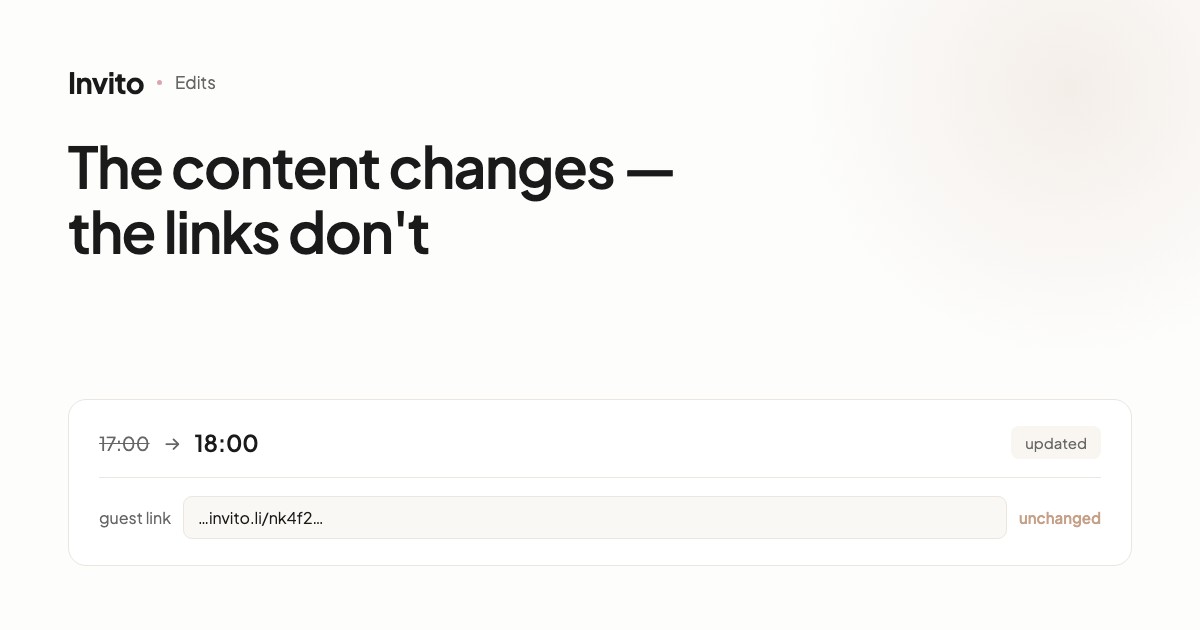
The links don't change
This is the main thing to know.
A link is tied to the guest, not to a version of the site. When we update the text, the date or the photos, the links stay the same. A guest opens what you sent them a month ago and sees the current version.
This works for multilingual invitations too: a change is applied to every language version at once.
What the team changes
Write to us in the chat — we usually make the change the same day:
- text — any of it, including the greeting and your wishes
- date, time, addresses — including the map links
- photos — add, replace, remove
- questions in the RSVP form — remove the unnecessary ones or reword them
- blocks — hide one you don't need, rename it, or add one of those available in your package
A typical situation: the venue moved the dinner by an hour. One message — and every guest sees the new time.
Important: changes to blocks and questions are made by the team, not by you in your account. That's deliberate — it lets us make sure a change doesn't break the layout in any language version.
What you do yourselves in your account
The account isn't a self-service editor but a tool for working with your guest list. You manage:
- the guest list — add, remove, correct a name
- the question about children — you switch it on and off
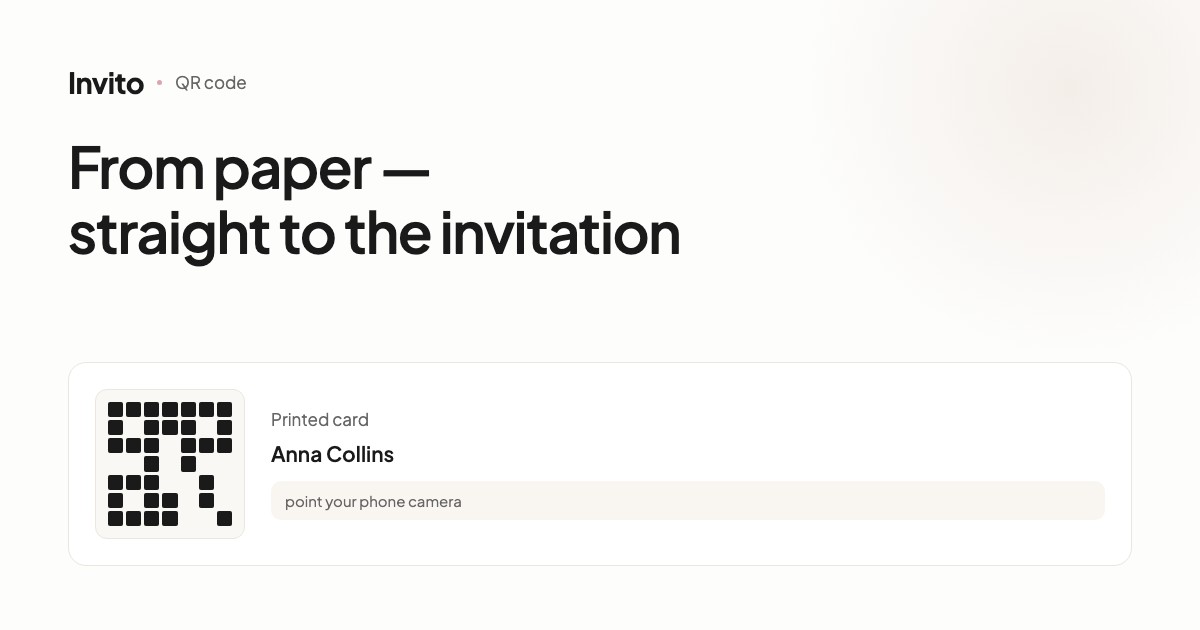
- a QR code for any named invitation
The QR code deserves a separate mention: it's generated in your account with one tap. Handy when you're making printed cards and want guests to point their camera rather than type a link. Shared invitations don't need a QR code — there's only one link for everyone anyway.
Guests are added by hand, one at a time. There's no bulk import from Excel yet, but the number of guests is unlimited.
What can't be changed
Two things are worth knowing in advance.
The attendance question can't be removed. It's the core of the invitation: without it you won't get any answers. You can reword it, but the answer options stay “Yes” and “No”.
Changing the site's address after sending breaks the links. The subdomain is part of the address, so if you change it after guests have received their links, the old ones stop opening. That's the only case where links really break, and it's why we agree the address with you before anything is sent.
Separately: switching between named and shared mode means a new link. Named links already sent keep working, but the shared one has to be sent separately — two rounds of sending instead of one.
What it costs
Edits are part of the work. We don't count them one by one or charge extra for “one more text change”.
The reason is simple: a wedding is a process in which details keep changing until the last week. If every edit cost money, couples would just leave outdated information in place — and it's the guests who would lose out first.
After the wedding
The site isn't switched off the next day. The gallery, your guests' answers and the statistics stay available — many couples come back later to see who answered what.
Frequently asked questions
- If we change the information, will our guests' links still work?
- Yes. A link is tied to the guest, not to a version of the site. You update the content — the guest opens the same link and sees the new version.
- Will guests who already opened the invitation see the changes?
- Yes. The next time a guest opens the link, they see the current version.
- What if we find a mistake in a guest's name?
- You edit guest names yourselves in your account — that's the part you manage without us.
- Can we add guests after the invitations have gone out?
- Yes, at any time. You add guests in your account yourselves, the new ones get their own links, and the ones already sent keep working.
- Can we get a QR code for the invitation?
- Yes, for named invitations the QR code is generated right in your account — handy for printed cards or a sign at the entrance.
- How long does the invitation stay available?
- The site keeps working after the wedding, so the gallery and your guests' answers don't disappear.
Want an invitation like this?
Pick a design — we do the rest. Send us your photos and wishes, and we prepare the site, the monogram and the language versions.