A QR code on your wedding invitation: when you need one and how to make it
A QR code is the same invitation link, just as a picture. The guest points their phone camera at it and their invitation opens straight away. You need one when there's nowhere to paste a link: a printed card, a sign at the entrance, a place card. In the couple's app a QR code is generated for each guest separately — from their personal link — so it opens their own version, with their name and their RSVP form.
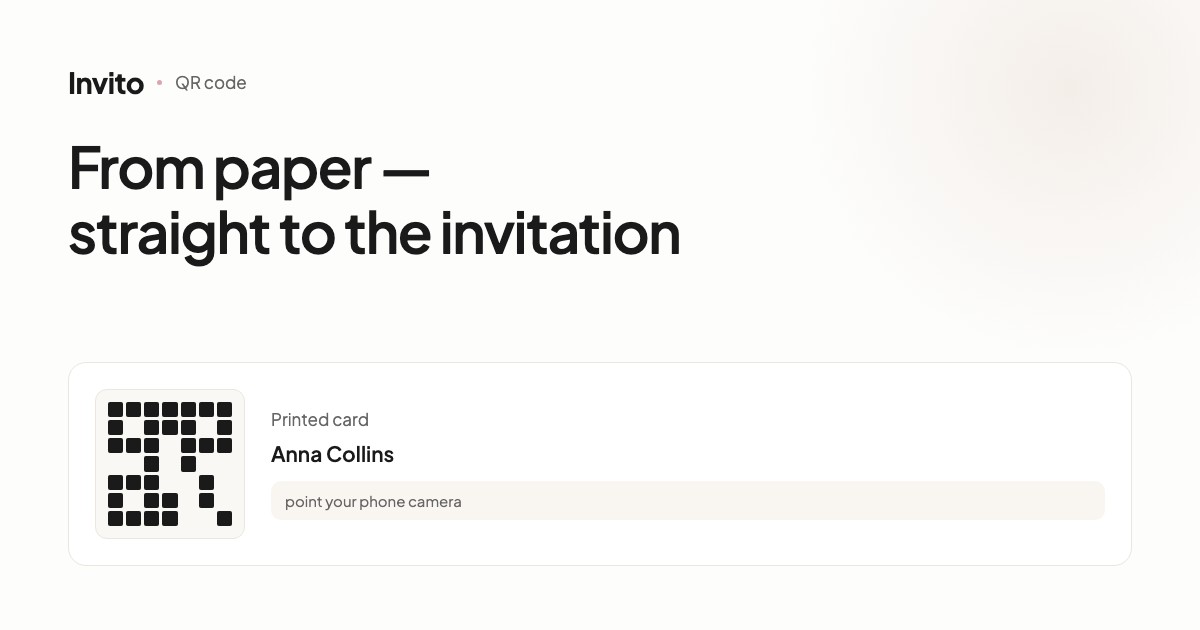
A digital invitation lives at a link, and in a messenger that's perfect: you send it, the guest taps it. The trouble starts where there's no messenger.
A printed card on the table. A sign at the entrance. A place card with a name. In all of these, nobody is going to type a link by hand.
A QR code is the same link, just as a picture.
When you actually need one
Honestly: most couples don't need a QR code at all. If you send your invitations via WhatsApp or another messenger, the link works better — it's clickable.
A QR code makes sense in three situations:
- Printed invitations. A paper card with a beautiful text and a code that opens the full version: the programme for the day, the map, the RSVP form.
- A sign or board at the celebration. Guests scan it and see the evening's programme without asking the coordinator.
- Seating. A place card with the guest's name, and a code that opens their personal invitation.
A personal code for every guest
This is the key thing to understand.
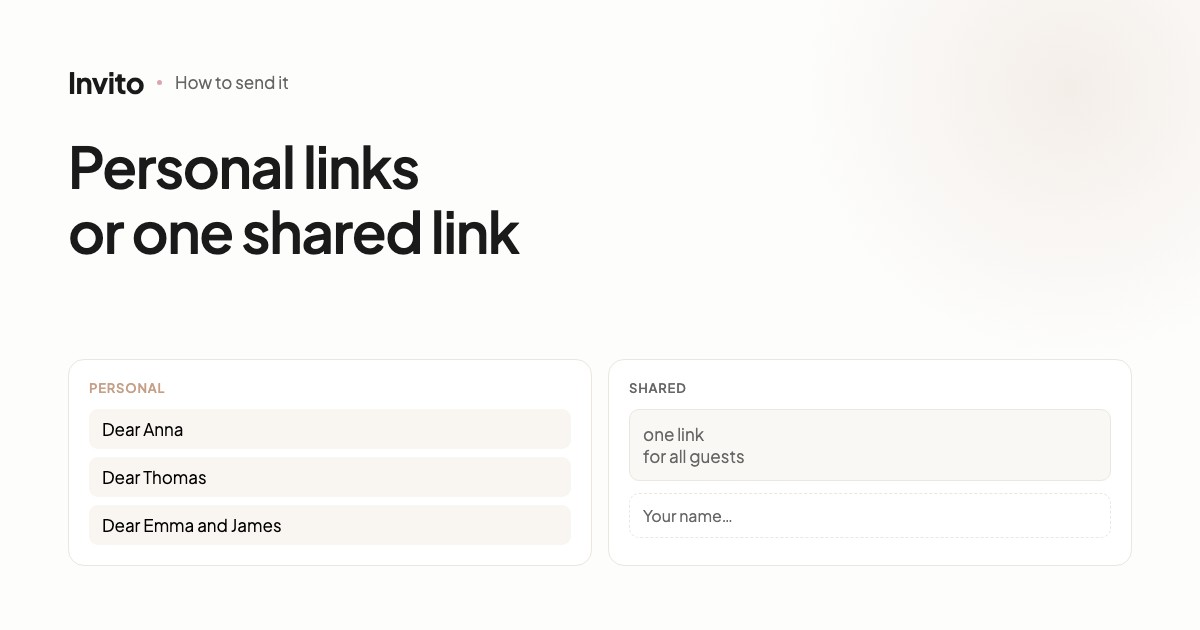
In the couple's app, the QR code is built from a specific guest's personal link. When they open it, the guest sees their own name in the text and their own RSVP form — not the shared one.
So Anna's place card carries Anna's code. She points her camera at it, sees the greeting addressed to her and confirms right from her seat.
If your invitation works in shared mode — one site for everyone — the code leads to the shared version. We compare the two modes in a separate article on personal and shared links.
How to get it
Two ways, depending on how many codes you need.
One or two codes. Just ask us — we'll send you a ready file. We have a tool that generates a 512 × 512 pixel code, with a transparent background if needed, so it sits on a coloured card without a white box around it.
A code for every guest. Open the app, find the guest in the list, and choose “QR code” in the invitation menu. The code appears on screen — you can save it and hand it to the printer.
What to check before printing
Printing is the point of no return, so a few minutes of checking can save the whole print run.
| What to check | How |
|---|---|
| The code scans | Point your camera at the screen before sending it to print |
| Size | At least 2 cm for a hand-held card, at least 10 cm for a sign |
| Margin around it | About the width of one corner “eye” on every side |
| Contrast | A dark code on a light background; cameras struggle with light on dark |
| The right link | Open it and make sure it's the right guest |
The code won't expire
A common worry: you've printed a hundred cards, and then something changes.
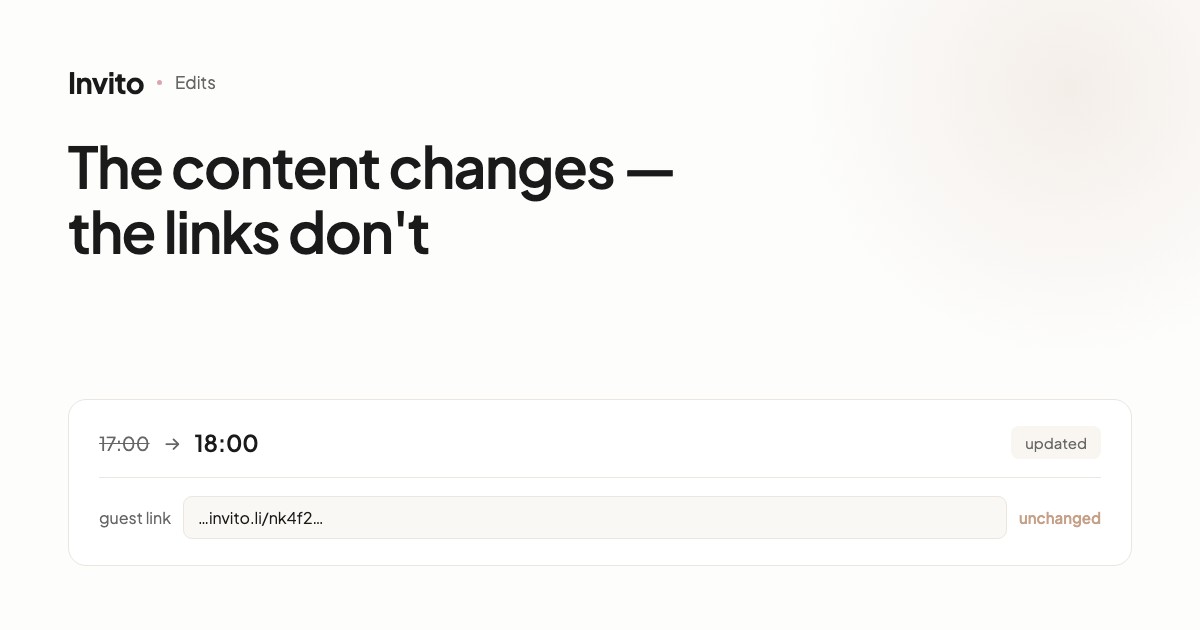
A QR code is a picture of the link, not a copy of the site. When we update the text, the date or the photos, the link stays the same. Printed cards keep leading where they should.
The only case in which a code stops working is if the address of the site itself changes after printing. That's why we fix the address before you send the design to the printer.
In short
A QR code is a narrow tool for one specific job: getting a guest from paper to the invitation. If there's no paper, you don't need it. If there is, make it personal, print it at 2 cm or larger, and check that it scans before you pay for the print run.
Frequently asked questions
- Why a QR code if there's already a link?
- A link is handy in a messenger, but you can't put it on a paper card in a way anyone will type in. A QR code solves exactly that: the phone camera opens the invitation in a second, with no typing.
- Does the QR code lead to the shared invitation or the personal one?
- In the couple's app the QR code is generated from a specific guest's personal link. So the guest opens the invitation with their own name and their own RSVP form. If the invitation works in shared mode, the QR code leads to the shared version.
- What size should the QR code be printed?
- The practical minimum is 2 × 2 cm for a card people hold in their hands, and at least 10 cm for a sign scanned from a metre away. Leave a clear margin around the code — about the width of one of its corner “eyes” — or cameras have a harder time reading it.
- What happens to the QR code if we change the invitation?
- Nothing. The QR code is a picture of the link, and the link doesn't change when we edit the text, the date or the photos. Printed cards keep working.
- Can we get a QR code on a transparent background?
- Yes, we have a tool that produces the code with a transparent background — so it sits on a coloured card without a white box around it.
Want an invitation like this?
Pick a design — we do the rest. Send us your photos and wishes, and we prepare the site, the monogram and the language versions.