Online wedding RSVP: collect your guests' answers without a single phone call
An RSVP is the attendance form built into the invitation. The guest taps “Yes” or “No”, answers a few follow-up questions if you need them (menu, allergies, transport, a partner, children), and the answer appears in your app straight away. Nobody has to be phoned, and the list is always up to date.
Traditional wedding planning has one especially tedious step: calling everyone to find out who is coming. Then calling back the ones who are “still thinking”. Then keeping it all in a notebook or a spreadsheet where half the entries are already out of date.
An RSVP inside the invitation removes that step completely.
What the guest sees
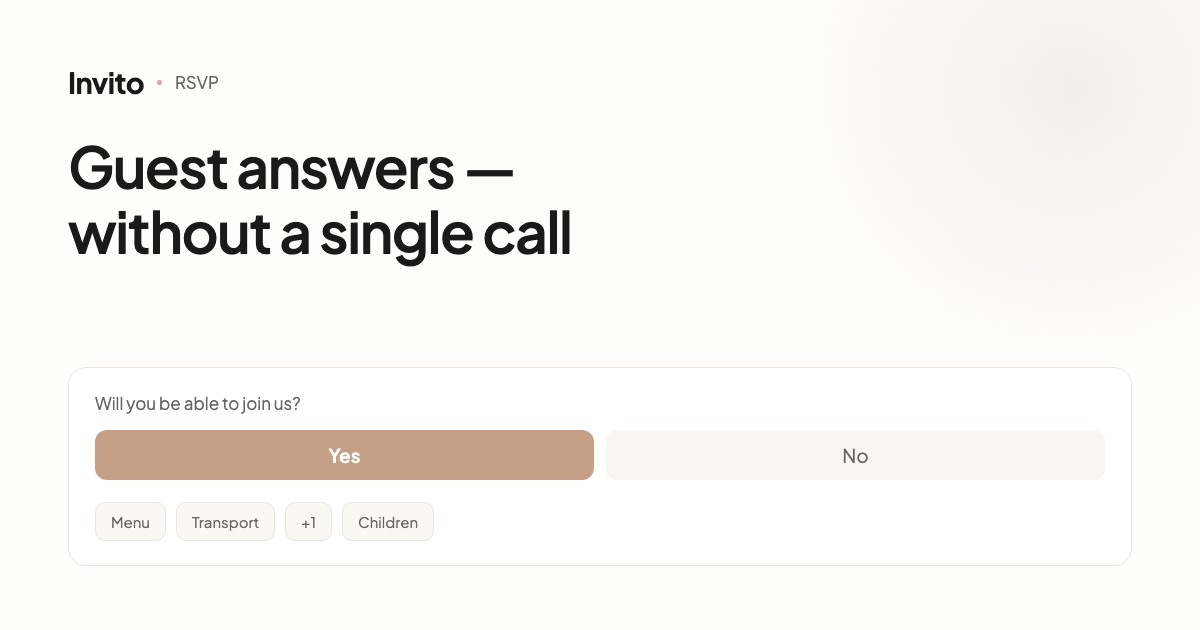
The guest opens the invitation, reads it, and at the end finds a question: “Will you be able to celebrate with us?”
Two options. One tap. Done.
If you need more, follow-up questions appear — but only the ones that really matter:
- Partner. Whether the guest is coming with someone.
- Children. Whether children are coming, and how many.
- Parts of the day. Ceremony, dinner, afterparty — which ones the guest will attend.
- Menu. Meat, fish, vegetarian, vegan.
- Allergies and restrictions. A free-text field.
- Transport. Whether they need a ride to the venue.
Not every guest gets every question
This is what separates a good form from a questionnaire.
A guest coming from another city should be offered transport. Your next-door neighbour should not. A family with children should be asked about the children. A couple without kids should not.
Questions are tied to the individual invitation, so every guest sees a short form that is relevant to them. It takes seconds to fill in — and that is exactly why people fill it in.
What you see
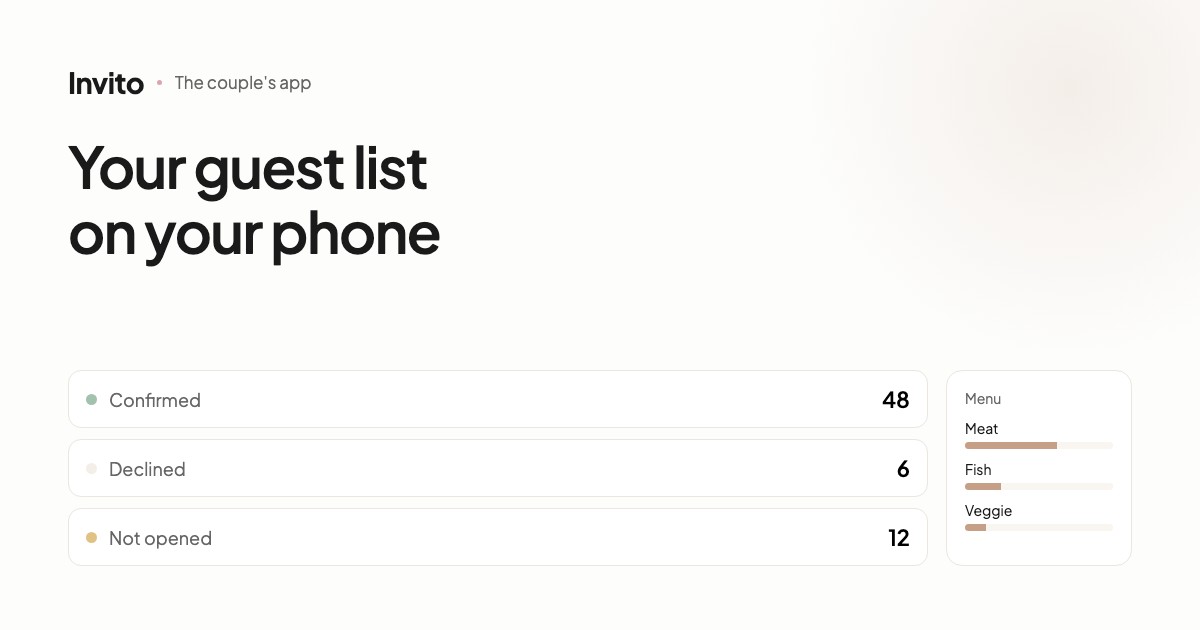
Answers appear in your app immediately. Not just a total, but the full picture:
| What you see | Why it matters |
|---|---|
| Who confirmed, who declined, who hasn't opened it yet | You know whom to remind |
| The exact headcount, including partners and children | You can plan seats and tables |
| Meal choices | You pass the numbers to the venue |
| Allergies as a separate list | Nothing gets lost in a chat thread |
| Who needs transport | You can plan the logistics |
From the same place you can export a spreadsheet — for the venue, the coordinator or the seating plan. No copying data by hand.
Guests can change their minds
Plans change. The guest opens their link again and updates the answer — and you automatically have the current version. No need to catch changes in chat messages.
Paper invitations work too
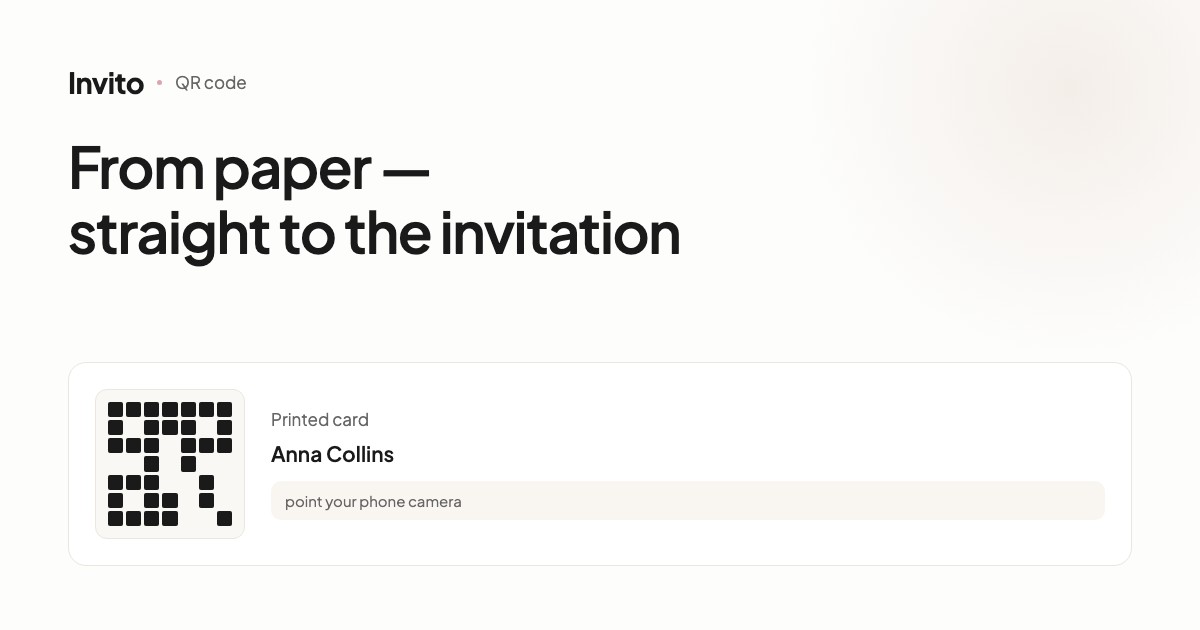
Some older relatives would rather receive a real card. That's fine: add a QR code with the link, and they can open the same invitation on their phone. Their answer lands in the same list.
Why it matters for the budget
Venues charge per head. Every “give or take ten” is real money and real seats. When the list lives in one place and updates itself, you give your suppliers an exact number rather than a guess.
And honestly, the biggest benefit isn't financial: two weeks before the wedding you are not sitting with your phone working out who still hasn't replied.
Frequently asked questions
- What does RSVP actually mean?
- It is a request to confirm whether a guest will come. In a digital invitation it is a “Yes / No” button plus a few follow-up questions if you need them. You see the answer immediately — no calls, no chasing people in chats.
- Can we ask guests about the menu and allergies?
- Yes. The form can include a meal choice, dietary restrictions, whether the guest needs transport, and whether they are bringing a partner or children. Every question can be switched off so the form stays short.
- Will a guest see questions that don't apply to them?
- No. Questions are tied to the individual invitation: transport is offered to guests travelling from another city, and the question about children is shown only to families.
- Where do we see the answers?
- In the couple's app. It shows every guest individually, the overall statistics, and lets you export a spreadsheet for the venue or your coordinator.
- Can a guest change their answer?
- Yes. The guest can open their link again and update the answer, and you always see the latest version.
Want an invitation like this?
Pick a design — we do the rest. Send us your photos and wishes, and we prepare the site, the monogram and the language versions.