Personalised wedding invitations: every guest sees their own name
Every guest gets their own 12-character link. When they open it, the invitation greets them by name — in the correct form for one person, a couple or a family. Languages such as Ukrainian and Romanian change words by gender and number, so each greeting exists in several versions and the site picks the right one automatically.
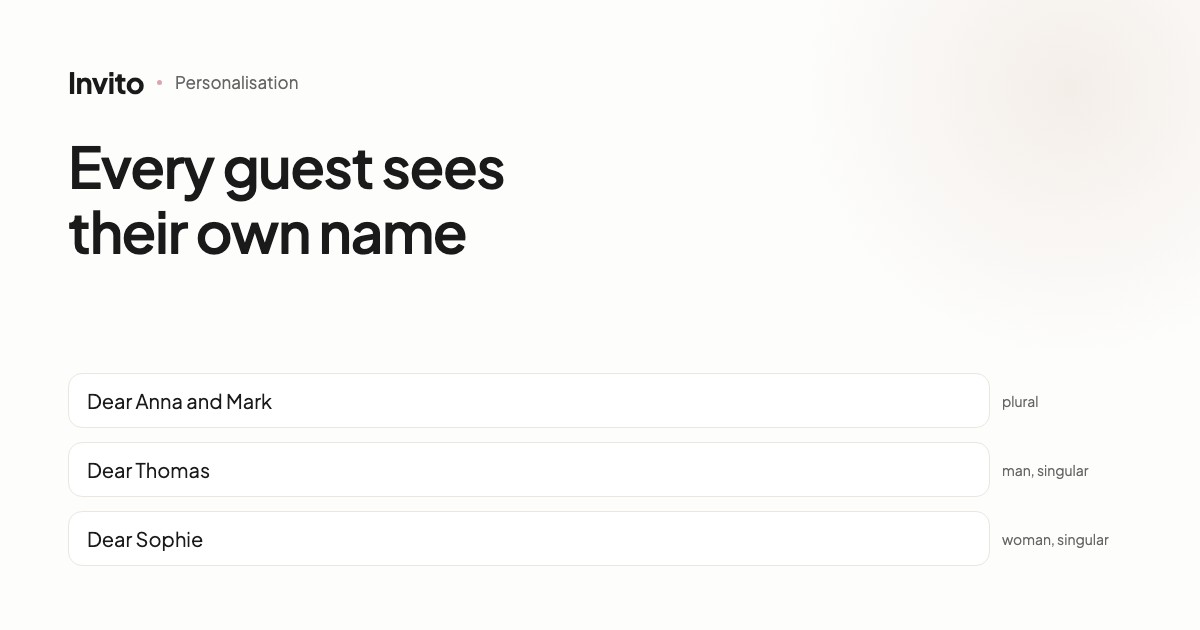
Picture two invitations. The first opens with “Dear guest!”. The second says “Dear Anna and Mark, we can't imagine this day without you.”
The difference isn't the design. The difference is that the second invitation knows who it is talking to.
How it works
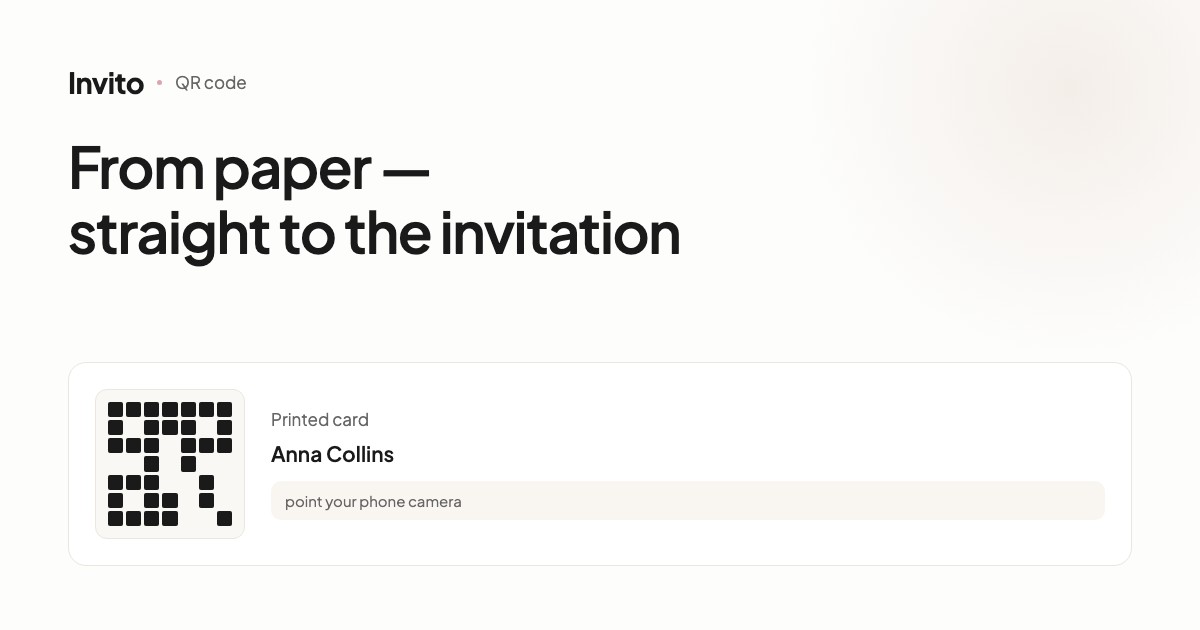
Every guest on your list gets their own link — a 12-character string such as invito.li/nk8k20lsafuk. The first two characters point to your site, the remaining ten to one specific invitation.
When the guest opens that link, the site puts their name into the text. You write the invitation once, and every guest sees a version made for them.
Grammar makes it harder — and we handle it
In English it is simple: Dear Anna and Mark works for anyone. In many other languages it doesn't.
In Ukrainian, for example, both the word for “dear” and the verb in “will you be able to” change depending on whether you are writing to a couple, a man or a woman. Romanian distinguishes “Dragă Maria” from “Dragi Maria și Andrei”. A generic translation tool won't help here: one wrong ending spoils even the warmest text.
That is why every text that addresses the guest is stored in three forms:
| Who | Greeting | Question |
|---|---|---|
| Several people, a family | plural form | “Will you (all) be able to join us?” |
| One man | masculine singular | “Will you be able to join us?” |
| One woman | feminine singular | “Will you be able to join us?” |
The site picks the form automatically, based on who you put on the invitation. You don't need to switch anything.
Personalisation is more than a name
The name is the most visible part, but the same mechanism does more.
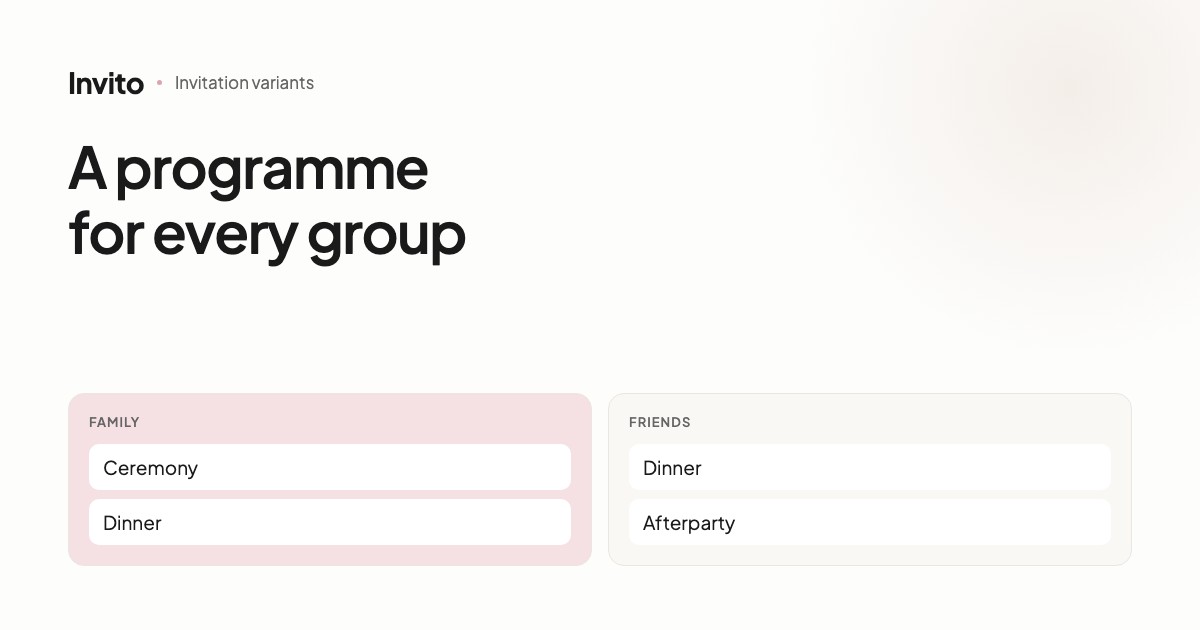
Different guests see different parts of the day. Planning a ceremony for family and a party for friends? Each guest sees only the part of the programme they are invited to. Friends won't see details of a ceremony they aren't attending, and parents won't see the afterparty.
Questions are asked only of the guests they concern. It makes sense to offer transport to guests from another city — not to someone who lives around the corner. The RSVP form shows only the relevant questions, so answering takes a few seconds rather than filling in a survey.
You see exactly who answered. Not “47 people are coming”, but exactly who, with whom, and what they picked from the menu.
When you don't need personalisation
Sometimes named invitations are inconvenient. You post the invitation in a group chat or in your stories, and you don't know in advance exactly who will come.
For that there is the shared mode: one link for everyone, no names in the text, and each guest adds themselves in the RSVP form. It is a single switch, and the same invitation simply works differently.
You can combine both: named links for close family, and the shared link for the group chat.
What it gives you in practice
A personal greeting is the first thing a guest sees. It sets the tone for the whole invitation and shows you thought about each person — rather than sending one picture to two hundred contacts.
Technically it is simple: you give us your guest list, and we prepare the links. All that's left is to send them.
Frequently asked questions
- Do you build a separate site for every guest?
- No. There is one site and as many links as there are guests. Each link puts that guest's name into the text, so you only edit the invitation once.
- What happens if a guest forwards their link to someone else?
- That person will see the greeting meant for the original guest. For group chats and stories it is better to use the shared link — it has no names, and guests type their own name in the RSVP form.
- How does it handle grammatical gender and plural forms?
- Every text that addresses the guest is stored in three forms: for several people, for a man and for a woman. In English they often look the same, but in Ukrainian or Romanian the greeting and the verbs change. The site picks the form from who is on the invitation, so it always reads naturally.
- Can we have an invitation without names?
- Yes. That is the shared mode: one link for everyone, no names in the text, and each guest writes their own name. Handy when you post the invitation in a group chat.
Want an invitation like this?
Pick a design — we do the rest. Send us your photos and wishes, and we prepare the site, the monogram and the language versions.